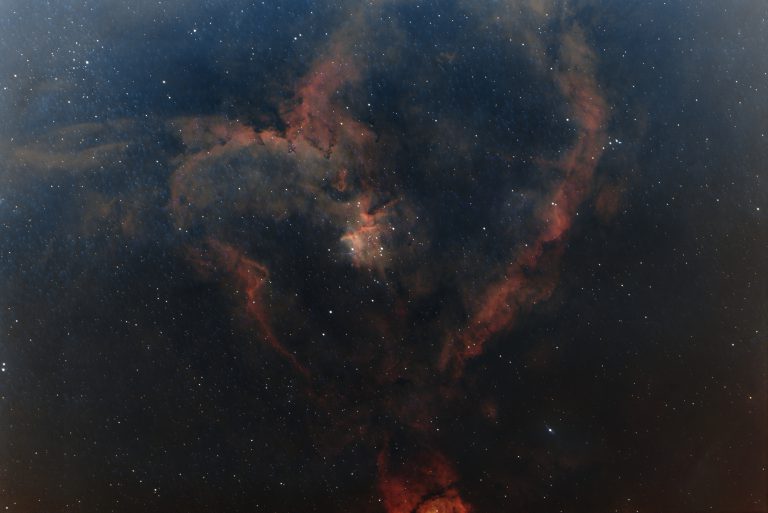
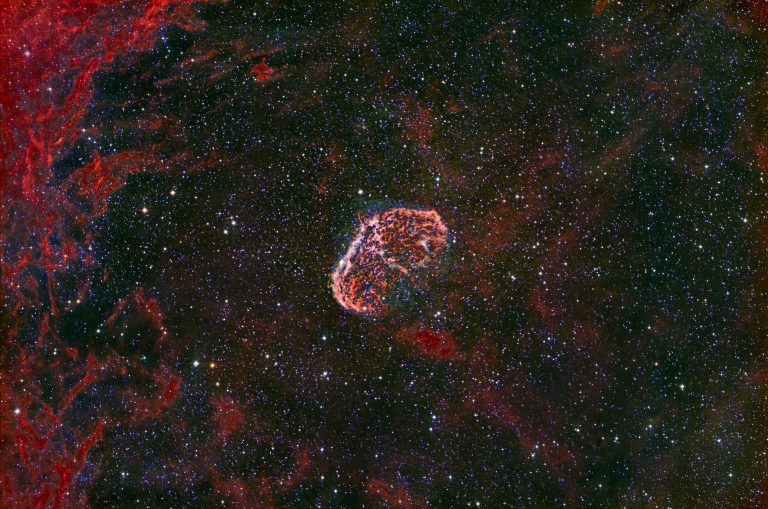
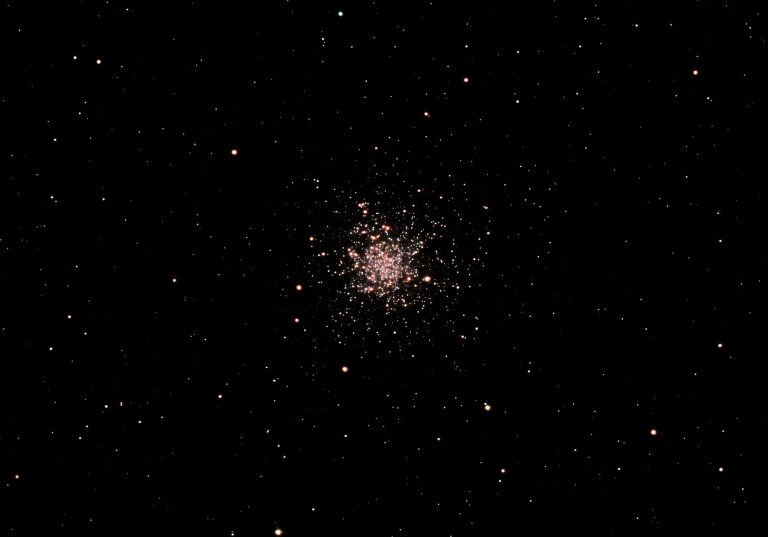
I have found to get the cleanest data out of my ASI2600MC Pro on my CarbonStar 200 telescope is to use these standard settings in your capture. Although I use SharpCap, the same would hold true with ASIAIR or NINA:
- ROI: Full Frame (6248 x 4176 resolution. Always use full ROI!
- Gain: 100. This is the most crucial setting for this camera. At Gain 100, the camera switches into its High Conversion Gain (HCG) mode, which drops the read noise drastically while maintaining nearly full dynamic range.
- Offset: 50 (or use the system default). This prevents your background black point from clipping to zero.
- Cooling: -10 C to -15 C or 14 F to 4 F . The thermal noise on this camera is exceptionally low. Cooling it down to this range stabilizes the sensor for clean dark-frame subtraction. Avoid pushing it to its lowest limits to protect the cooling system.
- Sub-Exposure Times (Sub-frames):
- Broadband (Galaxies & Star Clusters): 60 to 180 seconds depending on local light pollution. The CarbonStar’s fast (f/4) focal ratio will saturate the background sky quickly when exposed for too long under my bortle 5 sky. I generally use an Optolong 2″ L-Quad Enhance Filter.
- Narrowband (Emission Nebulas with a Duo-Band Filter): 180 to 300 seconds. Narrowband filters block light pollution, allowing you to pull out faint hydrogen-alpha and oxygen-III details with longer exposures. I generally use an Askar Colour Magic filter (Ha + OIII 2″ filter.
Crucial Hardware Reminders
- Coma Corrector: Ensure you use a dedicated (https://www.highpointscientific.com/apertura-carbonstar-200-imaging-newtonian-with-1x Coma Corrector) with the telescope. Without it, the fast (f/4) optics will warp the stars near the outer edges of your APS-C sensor into small cone shapes.
- Backfocus: The standard backfocus distance from your coma corrector to the ASI2600 sensor must be exactly (55 mm). Use the spacers provided by ZWO to hit this precise mark to ensure pin-sharp stars from corner to corner.